BOOKKEEPING BY

Your business.Your route.All connected.

From the store floor to the back office, SARIT brings gaming machine locations, employee visits, service calls and financial records into one connected ERP.

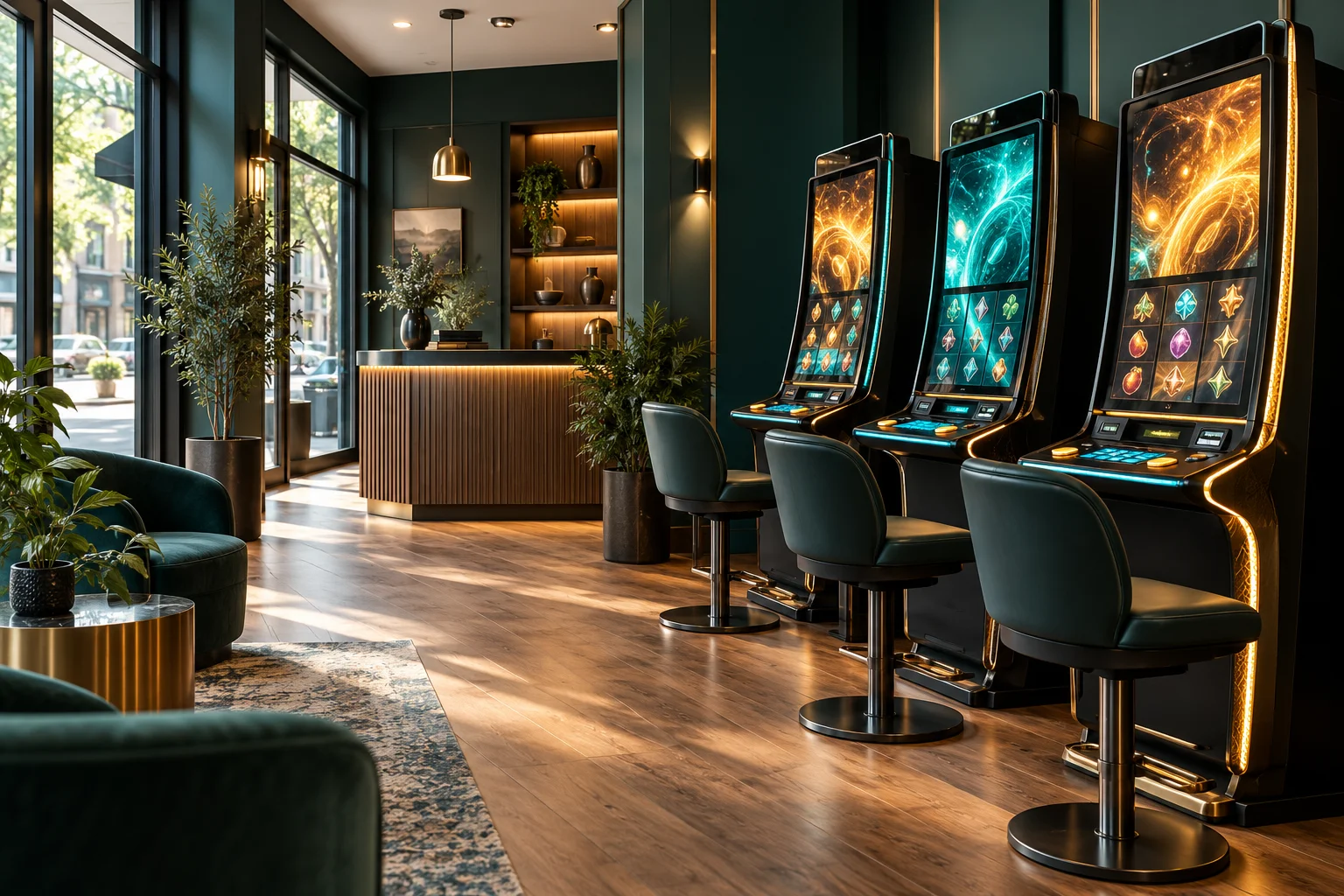
Illustrative gaming store interior with illuminated machines and a welcoming store layout

From the first visit
to the final record.

One ERP for the work behind every gaming location: assigned teams, machine closings, service activity and accountable finances.

Know your locations.

Keep store details, permits, machine assignments and employee access together, ready for the next visit.

Make each visit count.

Record opening and closing readings, attach reading photos and log service calls against the right machine.

Follow every record.

View closing invoices, submit expense receipts and track money held or handed over with clear statuses.
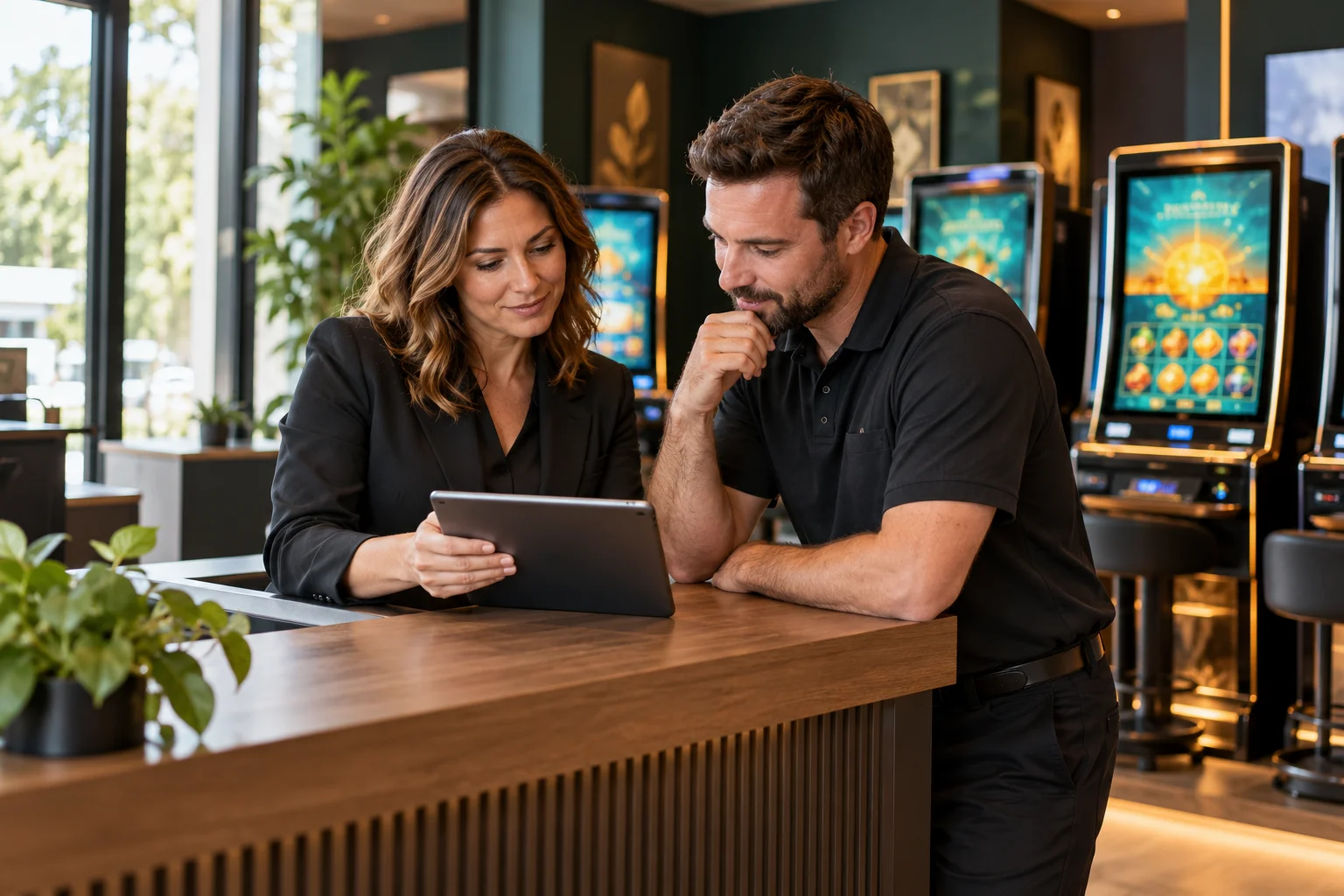
Illustrative store manager and field employee reviewing a tablet together beside gaming machines

Your store. Your team.
A place to connect.

Own a gaming-machine store, manage several locations or work with a store team? Explore how your operation can become part of a shared, organized workflow.

Existing member? Log in to your workspace

Bring your store into the workflow.

Connect your location, assigned machines and team with organized visit and financial records.

  • Speak with the SARIT workspace owner about adding your store.
  • Have your store address, permit details and machine information ready.
  • Once your location and access are approved, use your assigned account to sign in.
Already have an owner account? Sign in
Make your daily route clearer.

Access your assigned locations, record machine readings, log service calls and keep expense receipts connected to your work.

  • Ask your store manager or workspace owner to create your employee account.
  • They will assign the locations you can access.
  • Sign in with the account details provided to start your visits.
Already on the team? Employee sign in

Joining and account access are coordinated by the workspace owner.